Lake Louise Webcams
Every public camera covering Lake Louise and the roads in, on one page. 10 are refreshing right now, and any that have frozen are named rather than shown as live.
Updated Mountain Time.
These are still photos, not video. Alberta 511 publishes one photo from each camera about once a minute and no live video. Tap a camera to see it full size. The big view loads each new photo as it arrives.
Highway 1 cameras through Lake Louise
The Trans-Canada is the road almost everyone arrives on. These are the cameras to check before you leave Banff or Golden.
2 cameras
12 min agoLake Louise TCH · NW
1.2 km from the lake
Lake Louise TCH · SE
1.2 km from the lake
Lake Louise TCH · SW
1.2 km from the lake
TCH Sunshine Overpass · NW
45.7 km from the lake
TCH Sunshine Overpass · SW
45.7 km from the lake
Road and camera data from 511 Alberta.
Highway 93 North cameras on the Icefields Parkway
The Icefields Parkway runs north from Lake Louise to Jasper. It has no fuel for 230 kilometres and closes for weather in winter.
Alberta 511 has no public camera on the Icefields Parkway within range of Lake Louise. For that road, read the live closure list on our Highway 93 page before you commit to the drive, because there is nothing along it for 230 kilometres.
Highway 93 South cameras through Kootenay
Highway 93 South leaves the Trans-Canada at Castle Junction and crosses to Radium. It climbs two passes and holds snow late.
1 camera
12 min agoCastle Junction / TCH-93S · NW
24.6 km from the lake
Castle Junction / TCH-93S · SW
24.6 km from the lake
Castle Junction / TCH-93S · NE
24.6 km from the lake
Road and camera data from 511 Alberta.
Village and valley cameras
Cameras on local roads and in the towns either side of Lake Louise.
2 cameras
12 min agoUpper Hot Springs - Upper Lot · Parking Lot
52.8 km from the lake
Upper Hot Springs - Lower Lot · Parking Lot
52.9 km from the lake
Road and camera data from 511 Alberta.
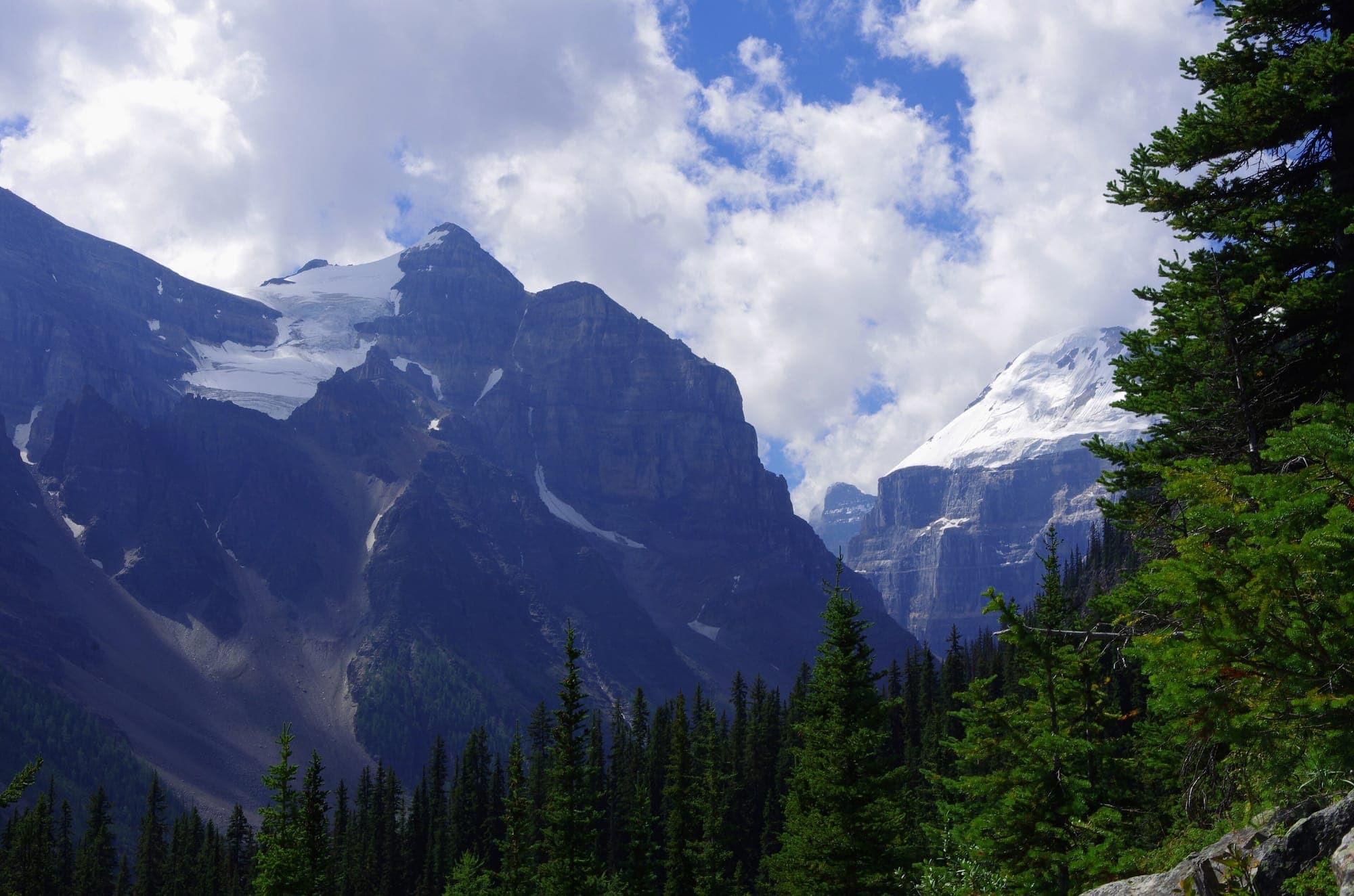

Which camera to check before you drive up
The Highway 1 camera at Lake Louise, looking both ways along the Trans-Canada. It is 1.2 kilometres from the lake and it answers the only question that matters before you leave: is the road wet, snow-covered or clear, and is traffic moving.
Check the Castle Junction camera as well if you are coming from Banff, because it sits at the point where Highway 93 South leaves the Trans-Canada and it shows the weather changing as you climb. In winter, a clear picture at Castle Junction and a white one at Lake Louise means the storm is sitting on the pass.
The cameras show the highway, not the lake. No public camera points at the lake itself, which is why the two lakefront views below belong to businesses.
Why a camera goes dark, frozen or snow-covered
Mountain cameras fail constantly. They ice over, they get buried, they lose power, and the lens fogs. The awkward part is what happens next: a stopped camera keeps serving its last picture, and the server keeps reporting that picture as fresh. On the day this page was built, one view of the Lake Louise highway camera had been serving the same month-old image while its sibling view was live.
So we fingerprint every frame on this page each time we fetch it. A camera whose picture has not changed for two hours is labelled. One that has not changed for a day is removed from the grid and named at the bottom of it. You will never be shown a dead picture here as though it were live.
Lakefront and ski hill cameras
Two of the best views of Lake Louise belong to the businesses that run them, so we link to them rather than reproducing their pictures here.
Fairmont Chateau Lake Louise rooftop camera(opens the live camera in a new tab)
The lake and Victoria Glacier from the hotel roof. Daylight hours only.
Operated by Fairmont Chateau Lake Louise.
Lake Louise Ski Resort mountain cameras(opens the live camera in a new tab)
The front side, the back bowls and the base area, with the snow report. Our ski resort page covers the shuttles and parking to get there.
Operated by Lake Louise Ski Resort.
Common questions
Which camera should I check before I drive up?
The Highway 1 camera at Lake Louise, looking both ways along the Trans-Canada. It tells you whether the road is wet, snow-covered or clear, and whether traffic is moving.
Why does a camera go dark or show the same picture all day?
Mountain cameras freeze over, get covered in snow, lose power, or simply stop sending. The tricky part is that a stopped camera keeps serving its last picture, so it looks live. We fingerprint every image on this page, and any camera that has not changed its picture in a day is hidden and named rather than shown as current.
Is there live video of Lake Louise?
No. The highway cameras are still photos, not video. Alberta 511 publishes one photo from each camera about once a minute and does not publish video, so no website can show them as a live stream. No public live video of the lake or Moraine Lake exists either. The hotel camera is a still panorama on the hotel's own site.
How often do the cameras refresh?
The highway cameras update roughly once a minute when they are working. This page reloads its list of cameras every ten minutes.
Lake Louise road conditions · Getting to the ski resort · Is Highway 93 open · Everything happening at Lake Louise today
Road and camera data from 511 Alberta.